
Fuel iX Copilots — Week 36 · August 31–September 6
This week brought a solid mix of new capabilities and quality-of-life improvements. You can now upload larger files and more file types, agents gained broader tool connectivity, and administrators got better visibility into platform costs and settings.
-
⭐ Personal usage metrics page: Users can now view their own usage metrics and activity directly within the UI, making it easier to keep track of your AI interactions over time. Just click on the "Usage" item on the left sidebar!
-
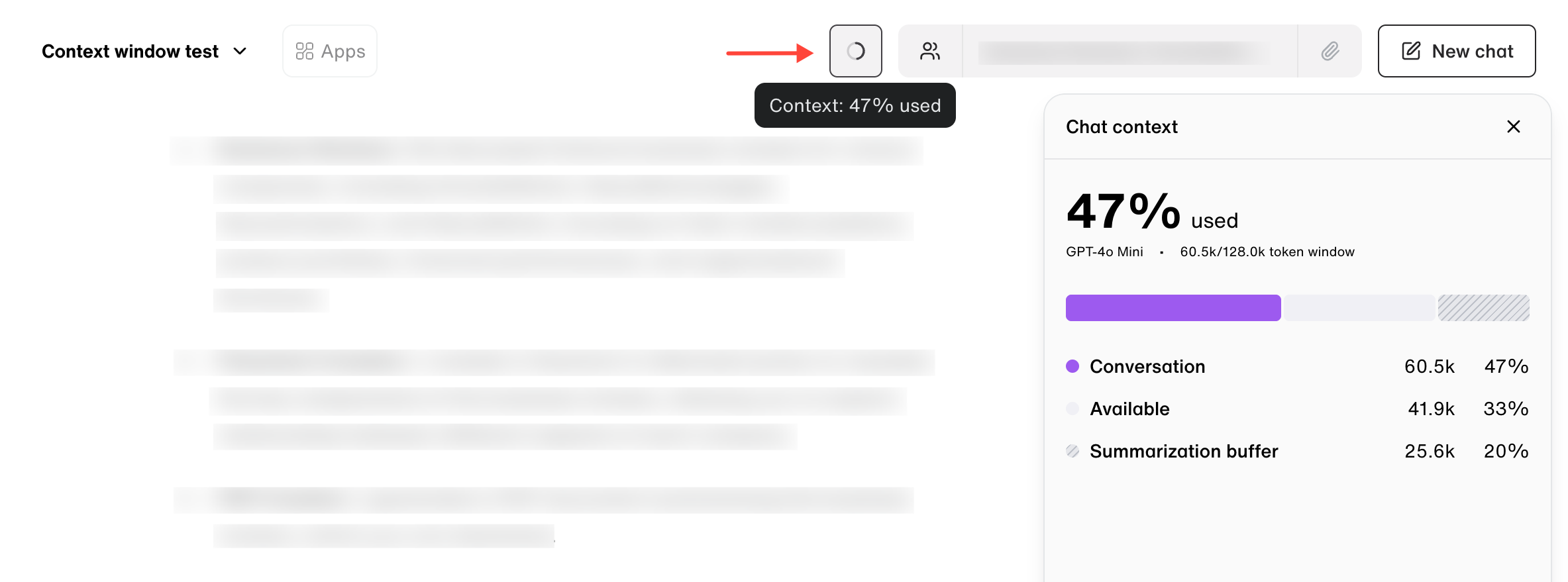
⭐ Context window usage now visible in the chat sidebar: During a conversation, you can now see how much of the available context window has been used — helping you stay aware of limits before they're reached.
-
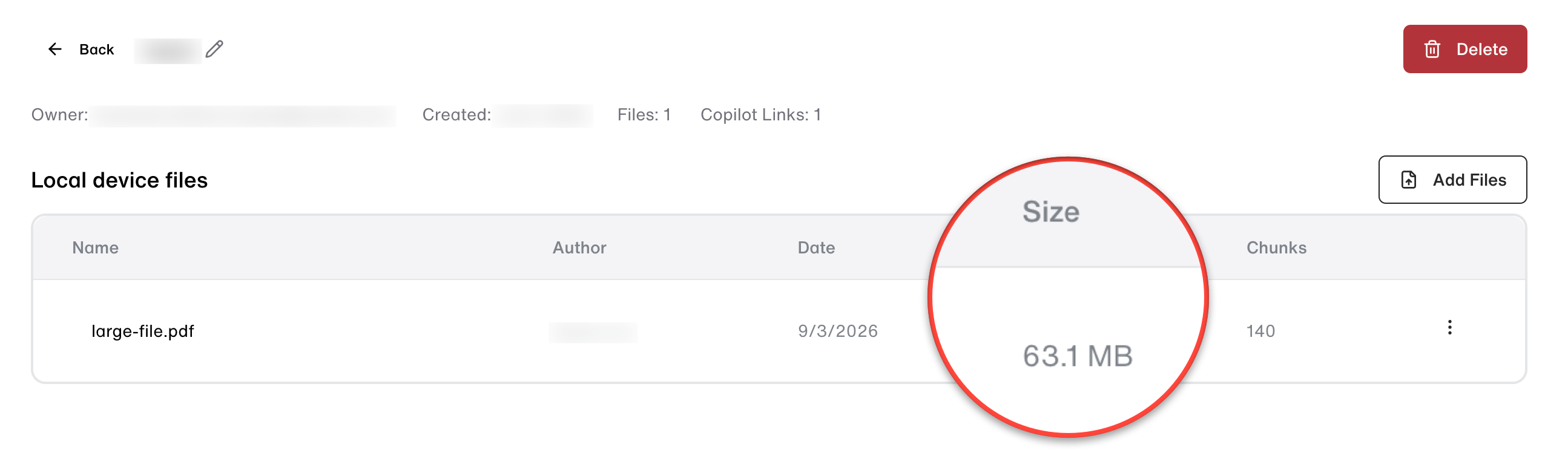
⭐ Larger file uploads now supported: The maximum file size for uploads has increased from 30MB to 64MB across the web app, Slack integration, bulk processing, and the API — so you can work with larger documents and datasets without needing to split or compress them first.
-
YAML file support added: You can now upload
.yamland.ymlfiles from your device, Google Drive, SharePoint, or directly in chat, making it easier to work with configuration files and structured data in your AI workflows. -
Log file support added: You can now upload and process
.logfiles directly in Fuel iX, making it easier to analyze application logs and troubleshoot issues without converting them to another format first. -
Cost data visibility controlled per organization: Cost metrics in the Admin Portal are now gated per organization, ensuring that cost data is only accessible where it has been verified and authorized.
-
Fixed duplicate file dialog appearing twice during file replacement: When confirming a file replacement, the duplicate file dialog no longer reopens unexpectedly — the upload experience now completes as intended.
-
Improved PDF scan detection: Fixed an issue with how scanned PDFs are detected during file processing, resulting in more reliable handling of PDF uploads.