
New CSV Export
New feature that allows admins to export training data on demand directly from the Agent Trainer Home page.
Overview
Admins can now download a ZIP file containing CSV exports of key training datasets — Users, User Sessions, and Scenarios — filtered by a custom date range. The export is scoped to raw data only. Derived metrics such as completion rate or average grade are not included in this phase.
How It Works
-
The admin navigates to the Agent Trainer Home page.
-

-
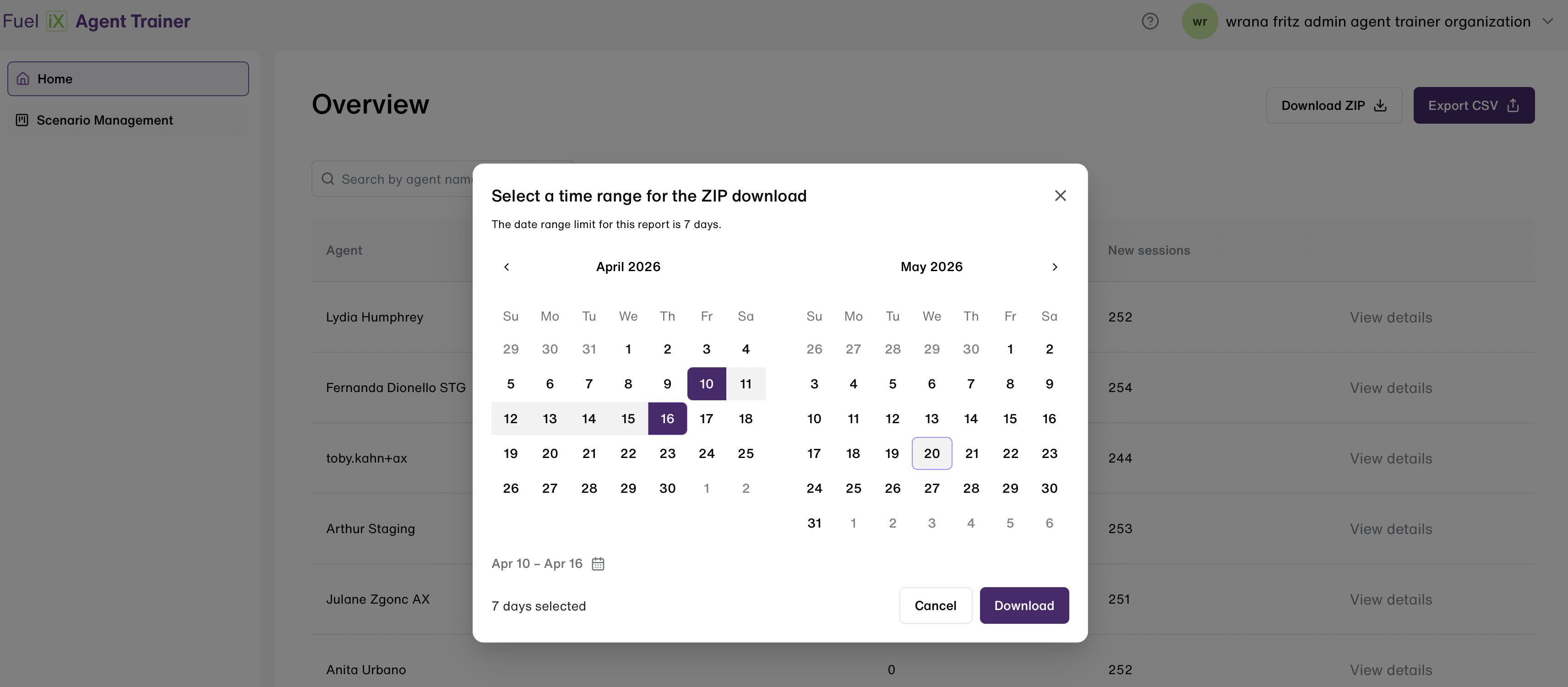
A download button is displayed in the top-right corner of the screen. This button is visible to admin users only.
The admin clicks the download button and selects a date range using the date range picker.- The maximum allowed range is 7 days per export.
-
-
The system generates and downloads a ZIP file containing the CSV files
-
The export data includes user information (name, email, ID, role) and training session information (scenario name and skills, timestamps, and the score the agent received).
Updated 5 months ago