
User Management (Admins)
Agent Trainer admins have the ability to add new users to Agent Trainer, remove existing users, and set user roles (admin, manager, agent).
Agent Trainer user management takes place in the Fuel iX platform, not in Agent Trainer itself.
There are two different user roles to be mindful of. The Fuel iX platform has user roles, see help article: Fuel iX Organization User Roles. And Agent Trainer has roles [link]. These roles are independent of each other. An organization admin could be an agent in Agent Trainer, or an Agent Trainer admin could be a viewer in the Fuel org.
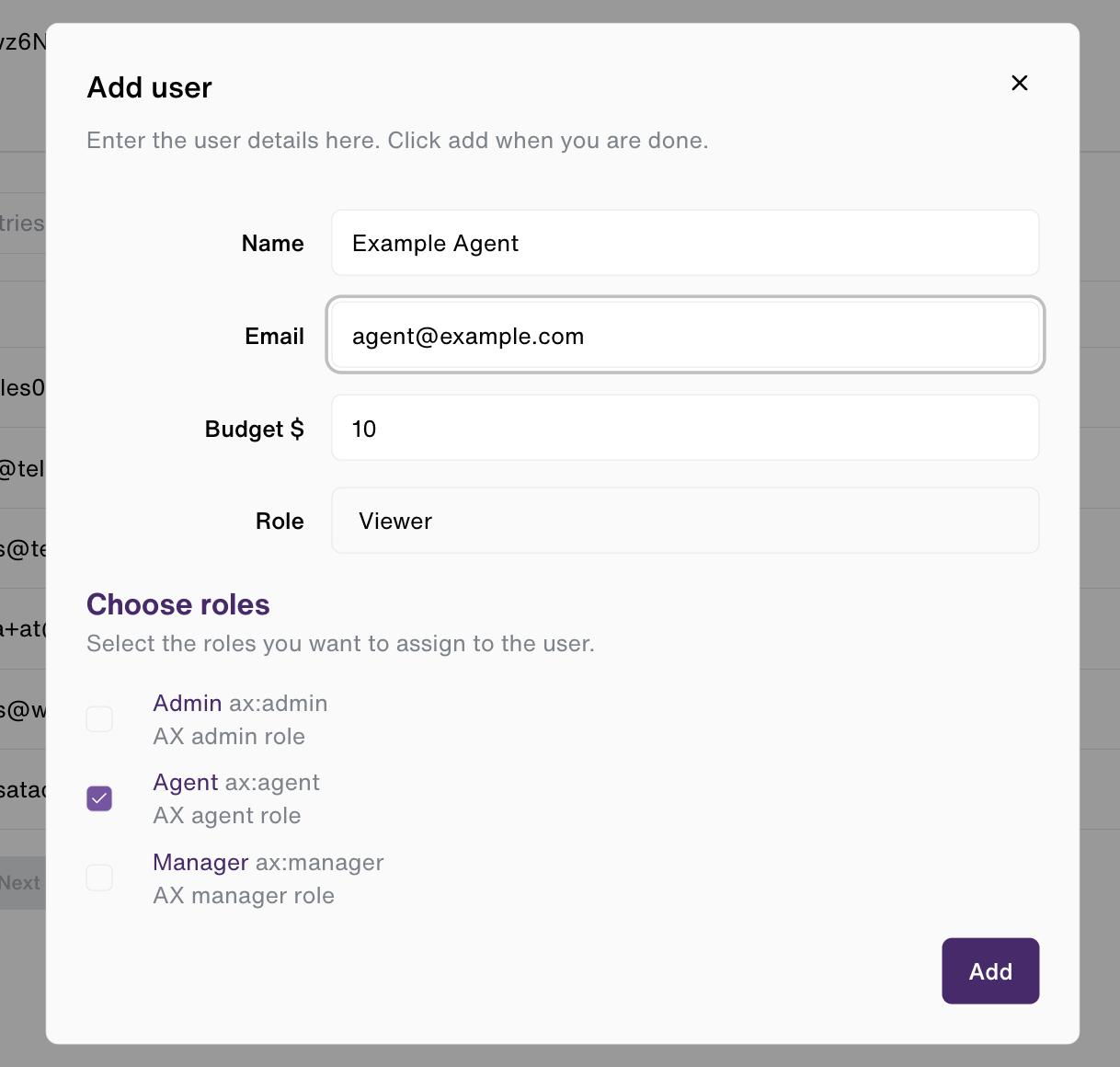
A Fuel iX org admin is able to add new users to the Fuel organization, and can optionally assign an Agent Trainer role at the same time.
Adding users to a Fuel org and Agent Trainer
If Agent Trainer is the only Fuel app your company uses, this is how you'll need to add new users. To add users to a Fuel organization and Agent Trainer, head to https://app.fuelix.ai/en/settings/manage-users/ and click the "Add user" button. As noted above, you must be an organization admin to do this.
Adding existing users to Agent Trainer
If a user already exists in a Fuel organization, both a Fuel iX org admin and an Agent Trainer org admin can add them to Agent Trainer.
To do this, click on the Agent Trainer tab in the Fuel org settings page, or head directly there using this link: https://app.fuelix.ai/en/settings/agent-trainer
Click "Add User" in the top right to add new users and show the component below.
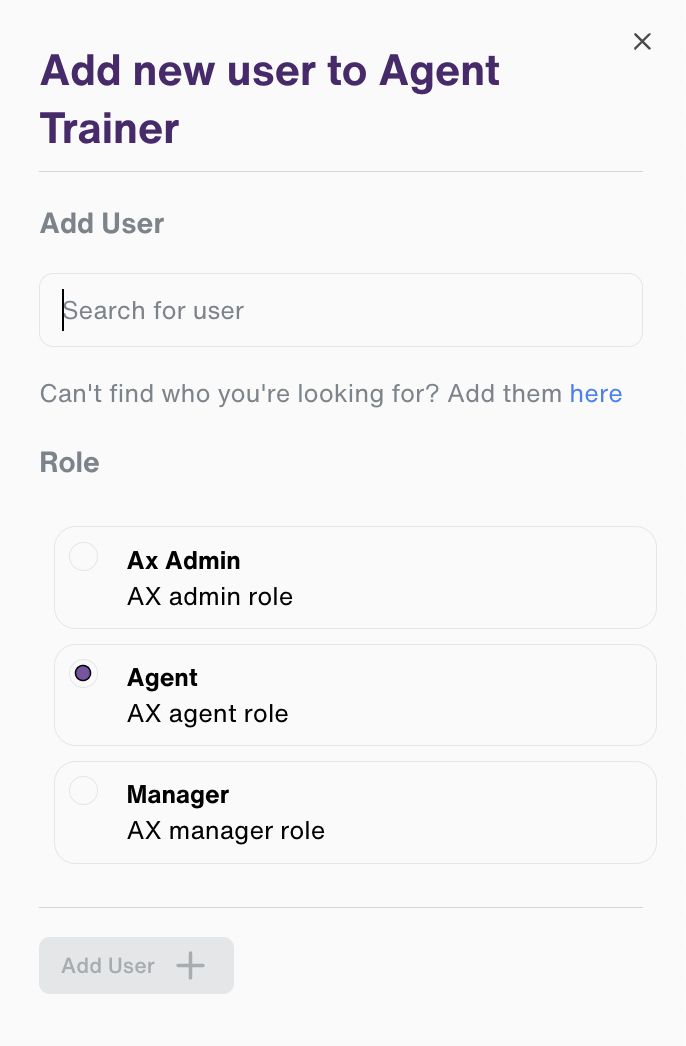
Search for the existing user you'd like to add, choose what role they should have in Agent Trainer, and click "Add User."
Updated 12 months ago